Thoughts on Netbooks and Jolicloud
Around a month ago, I won an MSI Wind U160 netbook on MSI’s Facebook page. I didn’t have much use for a netbook. Therefore, I listed it on eBay as Buy It Now Or Best Offer. After two weeks of being on eBay, no one had bought it and the best offer I received was around 40% of MSRP. I realized that the netbook is probably worth more than that to me and decided to keep it.
Ever since the release of the First Asus Eee PC that started the netbook craze, I have always wanted a netbook. I think it is because I liked the idea of an inexpensive, ultra-portable laptop that is just powerful enough to perform day to day tasks. The Wind U160 fits the bill. It has a 1.6Ghz Intel Atom N450 “Pinetrail” processor, 1GB of DDR2 RAM, 250GB of HD and the usual netbook fare like 10″ LED backlit display, Bluetooth, 802.11N, etc. It also came with a large 6 cell battery that protrudes from the back and props it up when set on a desk. This battery is supposed to give this netbook 14 hours of life on one charge. I only got 9 hours while browsing the internet and 6 to 7 while browsing and watching videos.
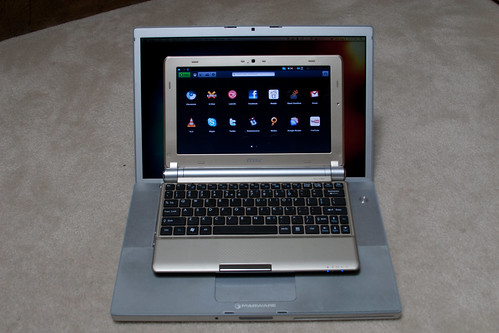
The form factor is pretty nice. It isn’t too small like the 7inch netbooks, but it is still small enough to be considered ultra-portable. Here it is sitting on my 4 year old MacBook Pro.
This netbook arrived with two partitions and Windows 7 Started pre-installed on one of them. Since, I knew that I probably wouldn’t be using Windows, I resized the partitions and installed Ubuntu 10.04 Lucid Lynx Netbook Edition which is the latest LTS release. The installation process was relatively painless. Then, when I booted up, I couldn’t get the wireless to work. After some googling, I found out that 10.04 didn’t come with wireless drivers for the chipset found in my netbook. I had to add a 3rd party repository and download the drivers. I used Lucid Lynx for a week, but found it a little too clunky for my uses.
I downloaded the newly released 1.0 version of Jolicloud, the Ubuntu Jaunty based netbook OS and installed it over Lucid Lynx. immediately, I noticed that Jolicloud started up much quicker and has a slicker interface. As the name suggests, Jolicloud takes advantage of cloud based applications. The whole front end is built on HTML 5 and is very fast. Here is what the home screen looks like after start up and login.
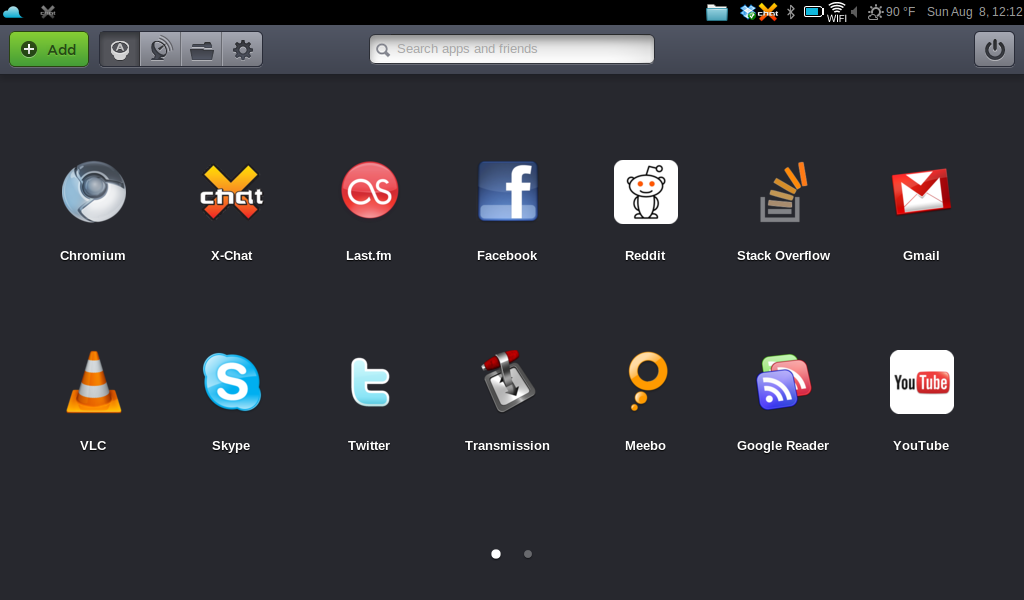
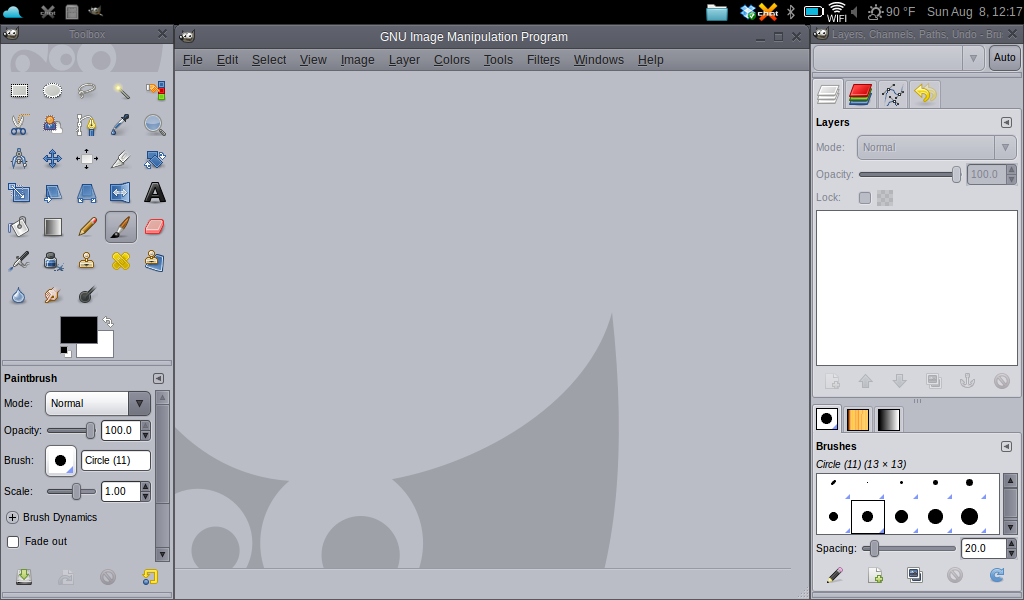
All the applications are presented in an iOS-esque page system with large, beautiful icons. Some of the apps are native Ubuntu apps like Gimp.
Most are webapps. They are basically browser windows with toolbars absent. The Reddit “app” is below. As you can see, it is just the normal desktop version of the Reddit site.

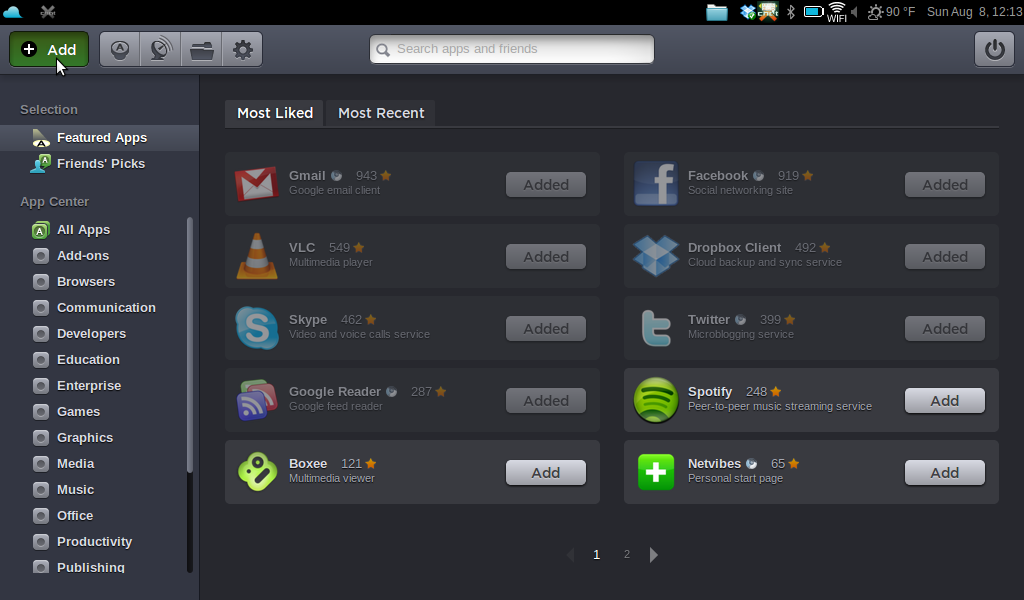
Adding apps is as easy as it is on the iPhone. After clicking the large “+ Add” button on the top left, you are presented with a list of apps that is easy to sort and search through. When you want to install an app, you just click the add button and the OS takes care of the rest. When you go back to the home screen, the newly installed application will be there waiting for you.
The 250GB of storage and 10 inch screen make this a great portable video machine. I have been watching 720p episodes of Firefly and Gundam 00 on it. As you can see, Gundam looks pretty good at the netbook’s native resolution of 1024×600.

There are a few complaints I have. First, for some reason USB drives did not automatically mount. I had to remedy the problem by editing the file system table. Also all utilities and built in apps are hidden away. I didn’t really care because I usually launch terminal by pressing atl+f1 and launch other apps through terminal. It was only when Caroline called asking me where terminal went (she had the beta version when terminal was easy to find) that I noticed that this may be a problem. For some reason, I cannot find any way to add any of these built in applications to the home screen. That is why you see the folder icon on my menu bar. It is a shortcut to the folder full of built in applications.
Other than these minor problems, the netbook experience has been much better than expected. I was expecting to be constantly frustrated by its small form factor and weak power. It isn’t going to replace my MacBook as my daily use computer anytime soon, but it will probably be my travel computer from now on.
